
Migrating from NiceLabel to Loftware Cloud: how to approach it
NiceLabel became part of Loftware and the future is Loftware Cloud. Why migrate now, what changes, and how does a switch without production downtime work?
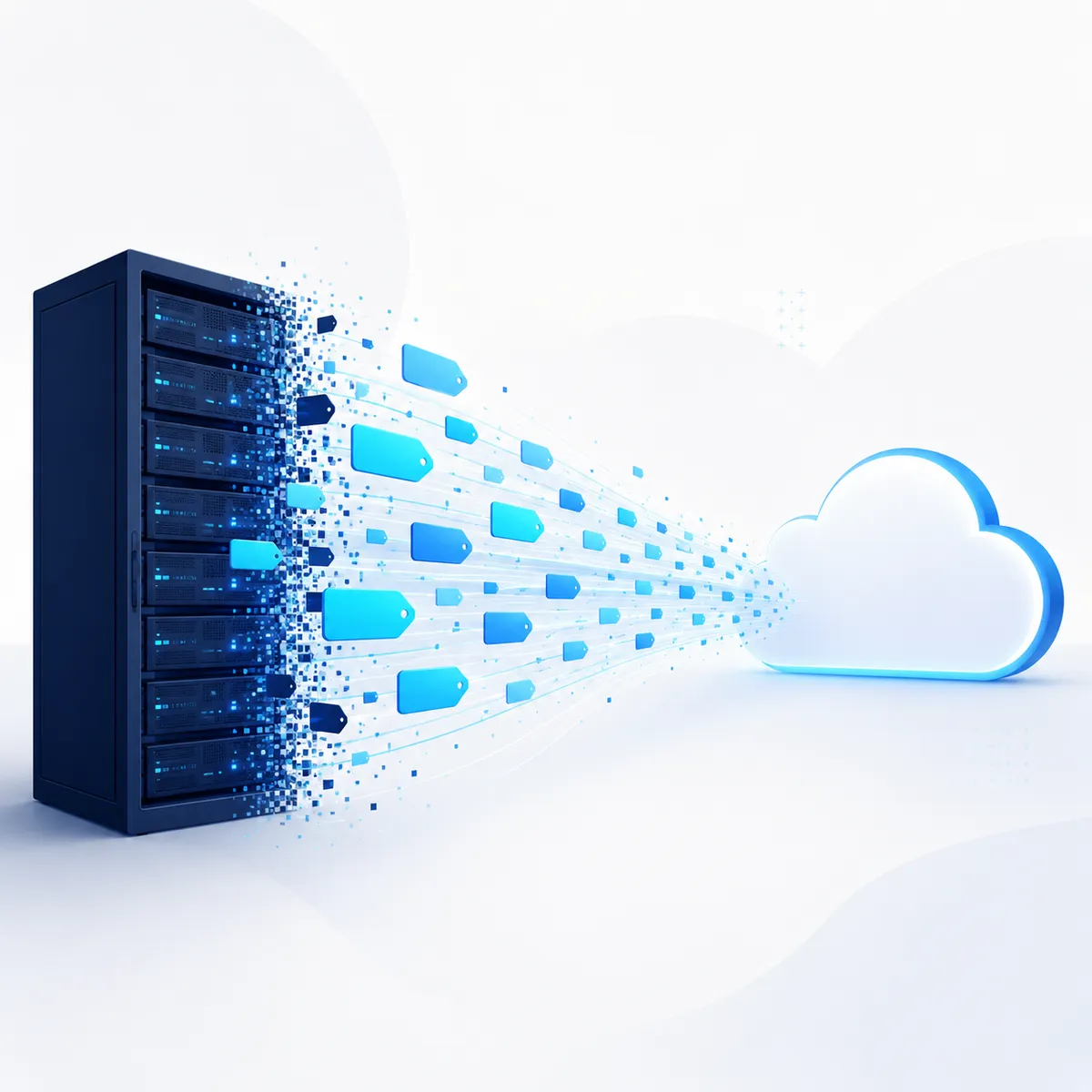
Since the acquisition, NiceLabel has been part of Loftware. The platform's future is in the cloud, with Loftware Cloud. For the companies still labeling with NiceLabel on-premise today, a decision is coming. Not whether you switch, but when. In this article you'll read why that migration belongs on your agenda now, what concretely changes, and how a switch without production downtime works.
Why NiceLabel users are switching now
Loftware is investing fully in Loftware Cloud. New features, integrations, and security updates appear first in the cloud version, and increasingly only there. On-premise environments are steadily approaching the end of their lifecycle.
Those who switch in time migrate on their own terms: calmly planned and tested alongside the existing environment, without pressure from an expiring license or an aging server. Those who wait end up migrating under time pressure. That is rarely the cheapest route.
What the cloud delivers in practice: automatic security and feature updates instead of manual server patches, 99.9% guaranteed uptime in a secure Microsoft Azure environment, and label management via the browser. You can add printers, users, and sites without touching your infrastructure.
Your labels simply carry over
The question we hear in almost every advisory call: do all our labels need to be redesigned? No. NiceLabel label files (.nlbl) are fully compatible with Loftware Cloud. Designs, variable data, printer settings, and GS1 structures migrate one-to-one.
Existing connections with SAP, Microsoft Dynamics, Oracle, or Infor also remain possible. We rebuild them in the cloud during the migration, usually more robustly than they were, so your labels keep coming from a single source of truth.
The migration in four steps
A good migration is above all a well-inventoried migration. This is how we approach it:
- Inventory. We map your current NiceLabel environment: labels, printers, users, connections, and compliance requirements.
- Migration plan. You get a clear scope with timeline, investment, test plan, and fallback option. No surprises afterwards.
- Migration & testing. Labels and integrations move to Loftware Cloud and run in parallel alongside your existing environment. Production notices nothing.
- Go-live & support. A controlled switchover at a moment that suits you, training for your team, and one Dutch point of contact afterwards.
A standard migration is typically completed within a few weeks. The full plan is on our NiceLabel migration page.
What does it cost and what does it deliver?
Your on-premise licenses are converted to a Loftware Cloud subscription. Which edition fits depends on your number of printers, integrations, and compliance requirements. In return, the costs of running your own label server disappear entirely: hardware, maintenance, patches, and the IT hours behind them.
The biggest saving is somewhere else, in error reduction. Centralized templates and ERP-connected data prevent wrongly printed labels. Use our free ROI calculator to work out in 30 seconds what label errors currently cost your company per year.
Common migration mistakes
- No upfront inventory. One forgotten printer or an undocumented connection can still delay a smooth switchover.
- Migrating without parallel testing. Always test the new environment alongside the old one before switching.
- Skipping training. The cloud environment works just differently enough; a short training prevents weeks of small questions.
- Waiting until you must. A migration under pressure from an expiring environment is more expensive and riskier than a planned one.
Frequently asked questions
Will our existing labels keep working?
Yes. NiceLabel label files are fully compatible with Loftware Cloud; designs, variable data, and printer settings migrate along.
How long does a migration take?
A standard migration is typically completed within a few weeks. Production keeps running throughout.
What happens to our NiceLabel licenses?
They are converted to a Loftware Cloud subscription. We advise on the edition that fits your usage and arrange the conversion with Loftware.
Does Loftware Cloud work with our ERP system?
Loftware Cloud connects with SAP, Microsoft Dynamics, Oracle, and Infor, among others.
Conclusion: migrate on your own terms
NiceLabel on-premise will end at some point. Plan the switch now and you set the pace yourself, testing everything calmly alongside your existing environment. Book a no-obligation demo, scheduled within one business day, or download the free migration guide first.