
Connecting labeling software to your ERP: how it works
Manually retyping order data is the biggest error source in labeling. How to connect Loftware Cloud to SAP, Dynamics, Oracle, or Infor.
In many warehouses, someone still retypes order data into a labeling program every day. It works, until it doesn't: a wrong article number, an old address, a batch code that's off. Connecting your labeling software to your ERP removes that manual step. This article explains how such a connection works and what's involved per system.
Why an ERP connection makes the difference
Without a connection, your label data lives in two places: in the ERP and in loose label files on the shop floor. Every change has to be made twice, and in practice that doesn't always happen. You know the result: labels with outdated data.
With a connection, every value on the label comes straight from the ERP. Article numbers, addresses, batch codes, and expiry dates are retrieved, not retyped. One source of truth, and the label matches the order by definition.
For regulated sectors there's an audit trail on top: you can prove which data was printed on which label, and when.
How the connection works technically
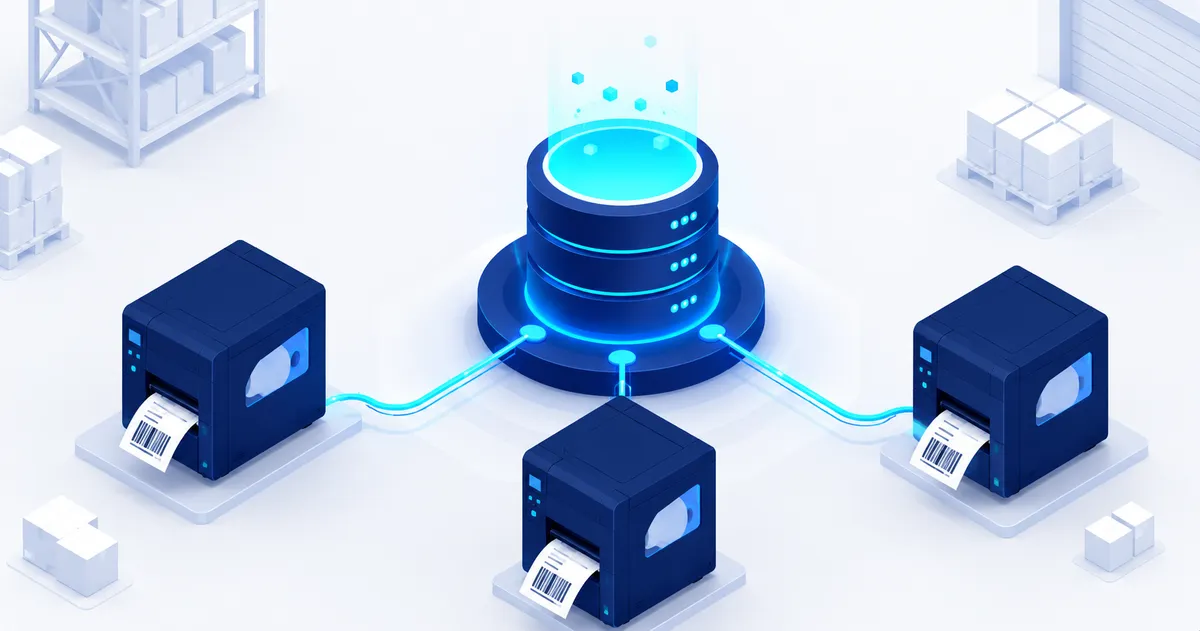
The principle is simpler than many IT departments expect. Your label templates live centrally in Loftware Cloud. When something happens in the ERP, an order pick or a goods receipt, it sends the variable data to the print engine. The engine merges data and template and sends the result to the right printer.
Little changes on the shop floor: the right labels come out of the printer the moment they're needed. Nobody has to open a labeling program.
Per system
SAP
The most requested connection. Printing can be triggered from SAP ECC or S/4HANA, for example at goods receipt, production orders, or shipping. Existing SAPscript or Smart Forms labels are usually replaced by centrally managed templates.
Microsoft Dynamics
Dynamics 365 connects via web services. Many of our customers print directly from warehouse workflows in Dynamics, with no intermediate step.
Oracle and Infor
Oracle (EBS, Fusion) and Infor (M3, LN) connect the same way: the ERP supplies the data, Loftware Cloud handles template and print. The setup differs per environment, the principle does not.
What you need to get started
An ERP connection requires the Business edition of Loftware Cloud or higher. See the edition overview for the differences. You'll also need a short inventory: which processes print labels, where the data comes from, and which printers are involved.
We do that inventory in an advisory call. Afterwards you know exactly what the connection means for your environment in terms of timeline and investment.
Frequently asked questions
Does software need to be installed on our ERP server?
No. The connection runs through standard interfaces (web services, file exchange, or a connector). Your ERP vendor usually doesn't need to be involved.
How long does setting up a connection take?
A standard connection with one process is often configured and tested within days. More complex environments with multiple processes are planned upfront.
Can we start small?
Yes, and we recommend it. Start with one process, shipping labels for example, then expand to receiving and production.
Conclusion
An ERP connection removes the most error-prone step from your labeling process: the person retyping data. Want to see what that looks like for your SAP, Dynamics, Oracle, or Infor environment? Book a demo and we'll show you with your own labels.